How to use “git stash” effectively
Before we start, follow me on twitter https://twitter.com/0xiamnico !
In the vast universe of Git commands, git stash emerges as a hero for developers caught between tasks or needing a clean slate without committing their changes. But how exactly does git stash work? In this quick guide, we'll dive deep into the magic of stashing in Git.
What is Git Stash?
git stash is a nifty Git command designed to temporarily squirrel away changes you're not ready to commit. Imagine you're in the midst of crafting a feature, and suddenly an urgent bug requires your attention. Instead of committing half-baked code or losing your progress, you can simply stash your changes, address the bug, and then return to your feature, retrieving the stashed changes.
The Magic of Git Stash
- Creating a Stash:
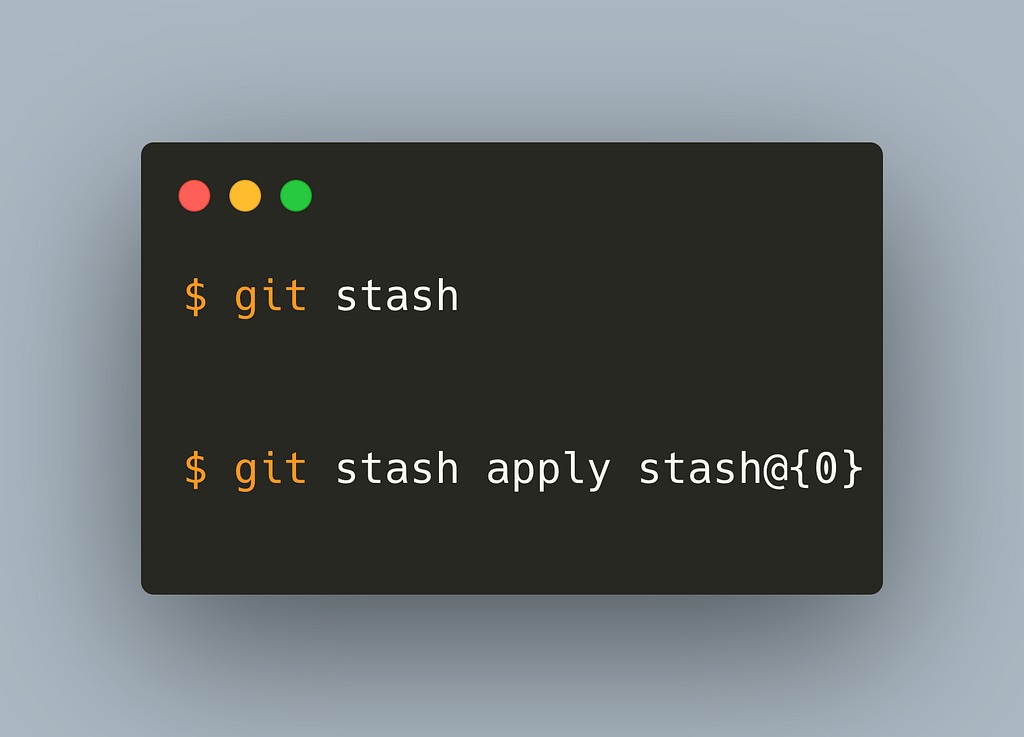
Running git stash sweeps all your modifications from tracked files into a separate stash area, restoring your working directory to the state of the last commit. Your changes aren't lost; they're just set aside for a while. - Reapplying Stashed Changes:
git stash apply brings your stashed changes back into play. If you're feeling confident and want to reapply and simultaneously remove changes from the stash, go for git stash pop. - Managing Multiple Stashes:
For those prolific stashers out there, git stash list is your friend. It displays all your stashed changes. And remember, you can apply, drop, or do any operation on a specific stash using its name, like stash@{1}. For example git stash apply stash@{1. - Goodbye, Stash!
To bid adieu to a particular stash, just git stash drop it. - Branching from a Stash:
Occasionally, stashed changes deserve their own branch. That’s where git stash branch <branchname> steps in, creating a fresh branch for your stashed changes and even courteously dropping the stash afterward. - Handling Untracked Files:
By default, git stash won’t bother with untracked files. But with git stash -u, even these files can join the stashing party. - Selective Stashing:
For those precise moments when you wish to stash only certain files, stage your desired changes with git add <filename> and then use git stash --keep-index.
Under the Hood of Git Stash
Technically, when you stash, Git crafts a new commit with your changes and tucks it away in a separate repository zone. This ensures your working directory returns to a pristine state. When the time’s right, you can summon these changes back to your workspace.
Wrapping Up
git stash is more than just a command—it's a lifeline for developers juggling multiple tasks or facing unexpected detours. It's the bookmark that lets you pause, shift gears, and resume with ease. So the next time you're in a code conundrum, remember: just stash it!
If you found this useful, follow me on Twitter and stay up to date with my latest posts and blogs !
Originally published on Medium on 12 October 2023.